 In stock
NA
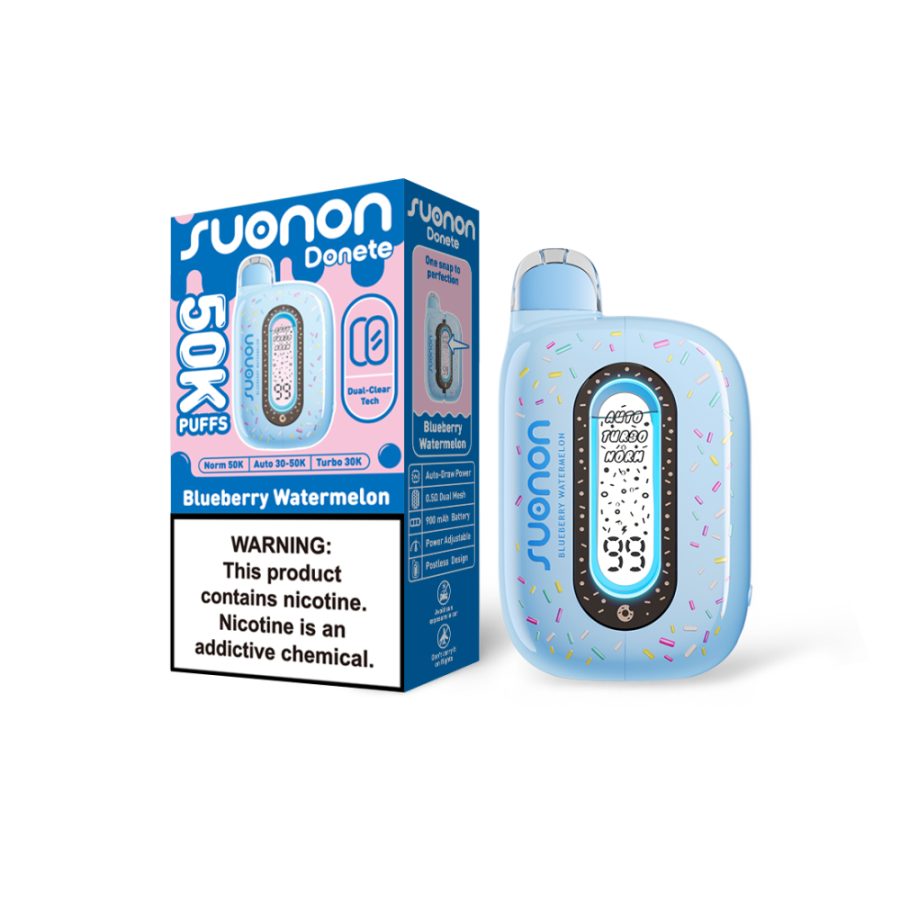
Donete
Blueraz
$35.00
+35 pts
50,000
You have to be 21+ to buy nicotine products. We check photo ID at pickup and at the door on delivery, every single order.
These products contain nicotine, an addictive chemical. Not for sale to anyone under 21.
We can only sell nicotine products to people 21 and over. Thanks for being straight with us — you can close this tab.
Pick what you want, tell us how to reach you, and we'll text when it's ready. Pay at pickup — and every dollar you spend comes back as points.
In stock We’ll confirm what’s in stock and text you when it’s ready. You pay when you get it — no card details are collected here.
No card details are requested or stored anywhere on this site.
We’ve got it. You’ll get a text when it’s ready. Bring photo ID.
Show this number when you pick up.